Marie's Adventure Substory Log — Journal BETA
What v1.0d added to the journal, why descriptions are empty, and how to unstick substories.
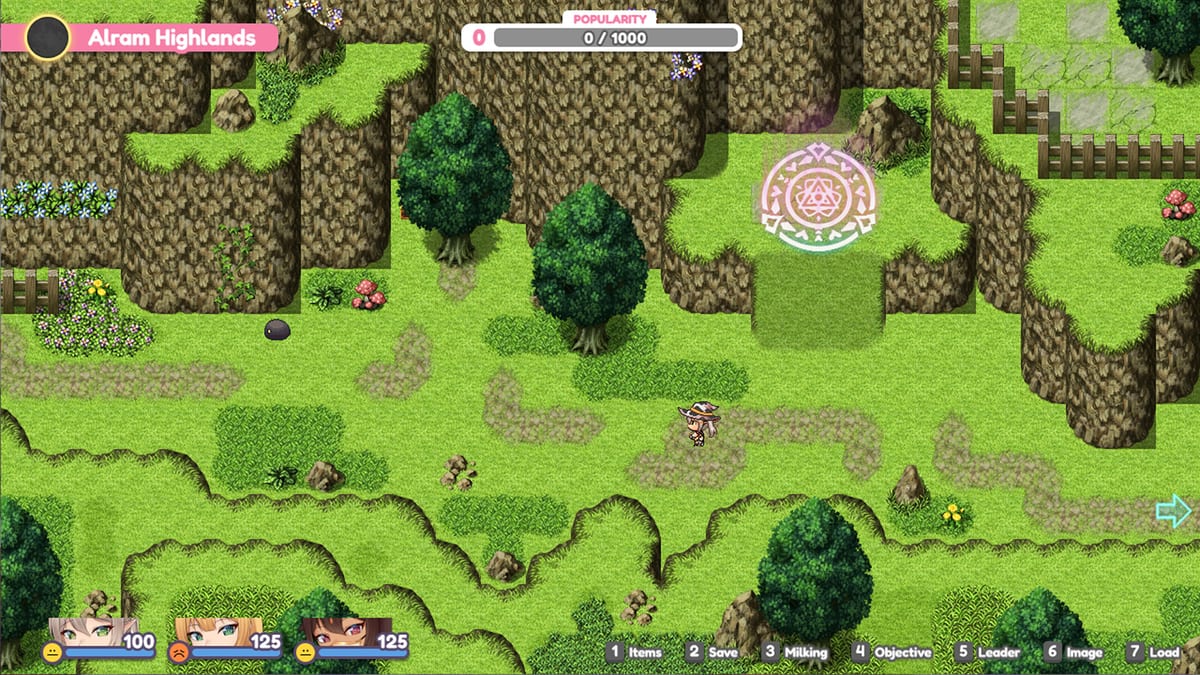
Patch Note v1.0d (August 10, 2026) added a Substory log (BETA) inside the journal. The developer is explicit: the feature is still under development, and descriptions will not be displayed yet. This page explains how to use the log as a checklist, what empty text means, and how the same patch fixed substories that refused to progress.
Stay on v1.0d before diagnosing stuck Golden Cat or side-scene flags (Release Notes).
Where to find the Substory log
- Update to v1.0d (itch zip Marie’s Adventure.v.1.0d.zip or Steam auto-update).
- Load a mid-story save — preferably after you have entered the Golden Cat or other substory venues.
- Open the journal from the in-game menu.
- Look for the new Substory log section (BETA).
Exact menu labels can vary slightly by UI theme; if you do not see it, verify the build number and restart the client.
Why descriptions are blank
Empty description fields are expected in this BETA. Do not reinstall, wipe saves, or chase missing localization files solely because the log lacks prose. Use the log as a progress checklist of substory entries you have touched, then cross-reference this wiki:
- Golden Cat — venue substories and companion access gates
- Story Walkthrough — when side content usually opens
- Known Issues — what is still open vs already patched
When the developer fills descriptions in a later numbered note, this page will expand with the new text budget.
Substories that would not progress — fixed in v1.0d
The same patch fixed an issue that prevented certain Substories from progressing. If a Golden Cat scene, companion-gated side event, or other substory froze before v1.0d:
- Update to 1.0d.
- Reload a save from before the stuck conversation when possible.
- Re-enter the venue without stacking outdated
wwwhotfixes. - Check the journal Substory log afterward for a new checklist mark (even without description text).
Companion soft-locks that were already addressed in v1.0b (Golden Cat scenes) should remain fixed; 1.0d targets additional progression blockers on top of that baseline.
How to use the log without spoilers
Treat entries as breadcrumbs, not a full walkthrough. Recommended loop:
- Push main story until a hub (Sylva, Golden Cat, desert Ran arc) unlocks.
- Clear one substory beat.
- Open the journal log to confirm the entry registered.
- Deliver pregnancies at Sylva City between long side routes so birth power-ups stay current.
- If an entry never appears after repeated attempts, file a bug with exact version 1.0d and venue name.
Related systems
Substories often share flags with:
- Brothel / Golden Cat economy (Brothel Guide)
- Companion party presence (Companions)
- Puzzle towers like Duskspire and the Library Puzzle
Clear combat walls with Difficulty Settings (Safe Day revamped in the same patch) before assuming a substory is soft-locked.
Honest expectations
Launch-week polish means journal tools can ship half-finished. The Substory log is useful as a beta checklist today and will become a readable codex later. Prefer official numbered builds over third-party journal editors.
Related pages
- Updates Hub — patch cadence
- Golden Cat — primary substory venue
- Story Walkthrough — chapter routing
- Guides Hub — full mechanics index (nav dropdown links View all when lists exceed eight entries)
Open the journal after every major side beat, stay on 1.0d, and treat blank descriptions as BETA — not a broken install.
Frequently Asked Questions
Quick answers to the most common questions.
Where is the Substory log?
In the in-game journal after updating to v1.0d. It is labeled as a BETA feature.
Why are substory descriptions empty?
By design for now. The developer notes descriptions are not displayed yet while the feature is under development.
My substory will not progress — still broken?
Certain progression blockers were fixed in v1.0d. Update, reload an earlier save if needed, then retry the venue.
Does the Substory log spoil endings?
It is a checklist without descriptions in BETA. Use it for progress marks; read Story Walkthrough for routing without full script dumps.