Marie's Adventure Troubleshooting
Launch crashes, Defender false positives, display glitches, and pregnancy confusion that looks like bugs.
Marie’s Adventure launched August 6, 2026 on Steam (app 4819360), itch.io, and DLsite as a Windows-only single-player title. Launch week community threads on itch.io report recurring issues: white or black screens on boot or during specific scenes, and Windows Defender quarantining or deleting the executable after extract. This guide collects verified fixes and separates true bugs from pregnancy mechanics that confuse new players.
For gameplay rules (walking vs sleeping, Sylva-only birth), see Pregnancy System and How to Give Birth before assuming a soft-lock.
Windows Defender deletes or blocks the game
This is the most reported launch issue. Defender may show a red warning on first run; accepting without exclusion sometimes leads to the .exe vanishing from the folder.
Fix steps
- Check Protection history in Windows Security for quarantined files.
- Restore the flagged Marie’s Adventure executable if offered.
- Add an exclusion for the entire game install folder (Settings → Privacy & security → Windows Security → Virus & threat protection → Manage settings → Exclusions).
- Re-extract from the Steam / itch.io / DLsite archive if the file is missing entirely.
- Launch again from the excluded folder — do not run from Downloads without exclusion.
False positives are common for indie RPG executables, especially adult titles distributed outside major storefront wrappers. The developer has acknowledged Defender friction in community posts across related releases.
White or black screen on launch
Some devices show a blank window instead of the title screen. Community reports note partial success after updates and hotfixes.
Try in order
- Verify game files (Steam: Properties → Installed Files → Verify). itch.io / DLsite: re-download latest build.
- Update GPU drivers and run as normal user (not incompatible compatibility mode unless you know you need it).
- Install official patches from the storefront you purchased from.
- If you applied Patreon or Discord hotfixes, install the emergency hotfix afterward — No Budget Developer stated this resolves black screens that persist after unofficial patches (including nun scene reports).
- Toggle fullscreen / windowed in settings if you can reach menus; Alt+Enter common on Windows.
- Disable overlays temporarily (Discord, Steam overlay) to test.
Document which scene triggers blank screens — boot versus mid-game helps narrow cause.
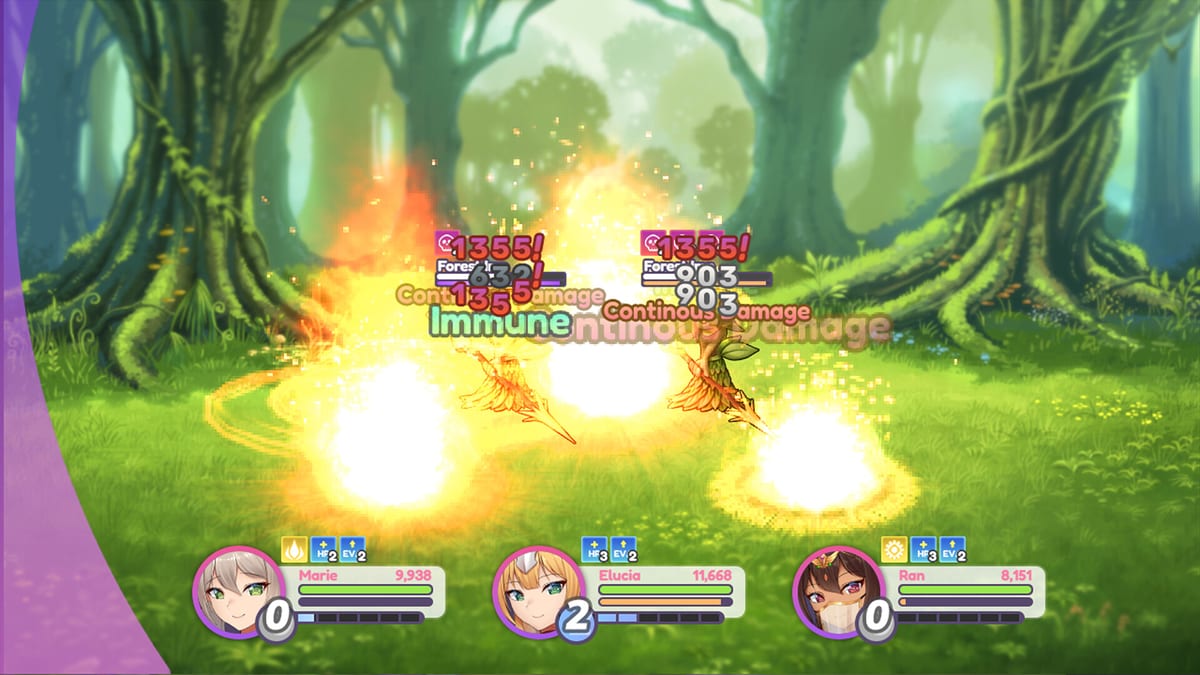
Black screens during specific scenes
Nun / Church scenes and some explicit sequences had black-screen reports in older demo threads. Fixes mirror launch issues:
- Emergency hotfix after any optional patch stack.
- Confirm Content Settings toggles — rare conflicts may skip broken CG paths.
- Load a save from before the scene and retry after patching.
If scenes remain black after hotfix order is correct, report version number and storefront on the official itch.io community with logs if available.
”Pregnancy stuck” — usually not a bug
| Report | Actual cause | Guide |
|---|---|---|
| Slept many nights, no progress | Sleep does not advance % | Pregnancy System |
| 100% but no birth | Wrong inn | How to Give Birth |
| Only singletons | RNG / fertility | How to Get Multiples |
| Brothel then nothing | No walking after shift | Brothel Guide |
The developer confirmed pregnancy requires movement and activity, not passive rest.
Save issues and backup
Single-player local saves — back up %USERPROFILE% or documented save path before hotfix experiments. Save-scumming for multiples makes backups essential.
Cloud save depends on storefront; Steam Cloud only helps if enabled for this app ID.
Performance and hardware
Marie’s Adventure is not a AAA spec hog, but integrated GPUs on laptops may stutter on first load. Close background capture tools if frame drops coincide with black transitions.
English-only interface at launch — system locale rarely affects boot, but non-UTF-8 path names in install directories occasionally break older RPG Maker–style engines; install to a simple path like C:\Games\MariesAdventure\ if paths with special characters fail.
Purchase platform differences
Steam app 4819360, itch.io, and DLsite should converge on the same hotfix level over time. If one platform lags, prefer the updated build for troubleshooting baseline before cross-comparing bugs.
Price ~$15 — refund policies follow each storefront, not this wiki.
When to ask the community
Escalate on itch.io community or linked Discord when:
- Emergency hotfix applied in correct order and boot still blank.
- Executable restored and excluded but Defender re-deletes on every launch.
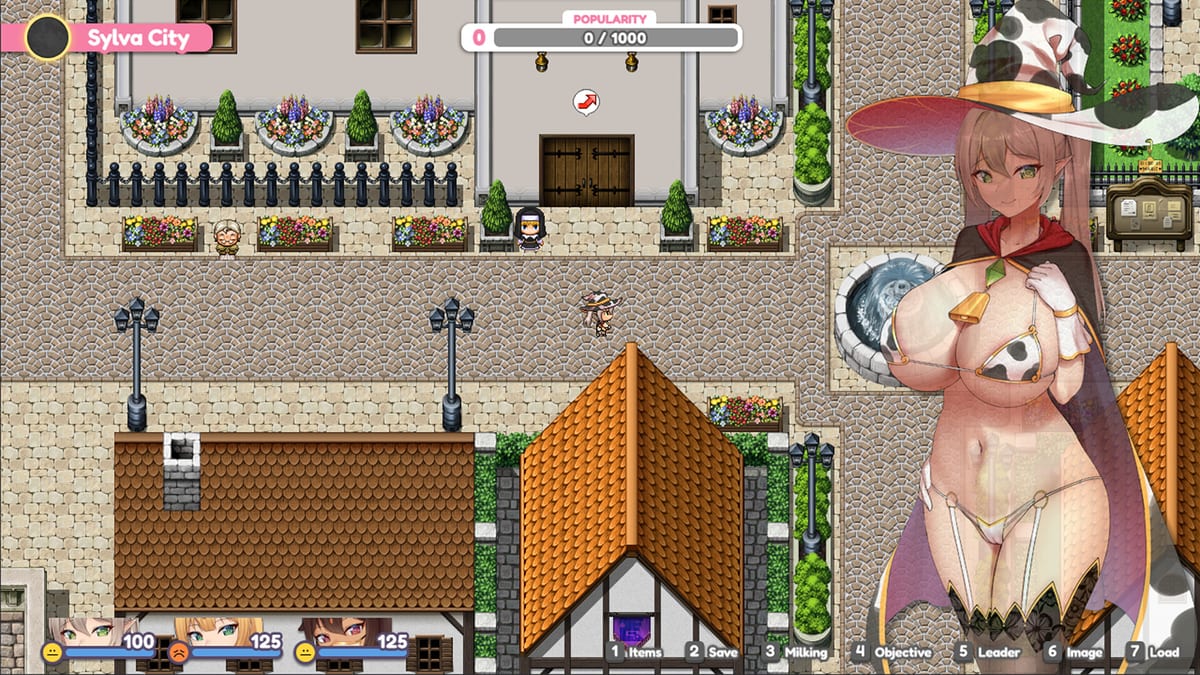
- 100% pregnancy at Sylva City Inn sleep still fails after confirming correct inn from How to Give Birth.
Include Windows version, storefront, game version string, and whether unofficial patches were installed.
Related guides
- Getting Started — correct first-hour expectations
- Pregnancy System — mechanics mistaken for bugs
- How to Give Birth — Sylva Inn requirements
- Content Settings — scene skip versus toggle
Most “broken game” reports at launch trace to Defender exclusions or hotfix order — fix those before reinstalling Windows or chasing unrelated security app repairs.
Frequently Asked Questions
Quick answers to the most common questions.
Why did Windows Defender delete Marie's Adventure?
False positive on the executable. Restore from quarantine, add a folder exclusion, and re-extract if the file is missing.
How do I fix a black screen on startup?
Verify files, update drivers, install latest patch, and if you used Patreon/Discord hotfixes, apply the emergency hotfix after them.
My pregnancy won't progress — is the game bugged?
Usually no. Pregnancy advances by walking and activity, not sleeping. See the Pregnancy System guide.
I'm at 100% but birth won't trigger — why?
Birth only fires at Sylva City Inn. Other inns are intentional dead ends for labor scenes.
Does Marie's Adventure support Mac or Linux?
Launch is Windows-only. Use Steam/itch/DLsite Windows builds; no official multiplayer or cross-platform sync.